[phpBB Debug] PHP Warning: in file [ROOT]/includes/bbcode.php on line 483: preg_replace(): The /e modifier is no longer supported, use preg_replace_callback instead
[phpBB Debug] PHP Warning: in file [ROOT]/includes/bbcode.php on line 483: preg_replace(): The /e modifier is no longer supported, use preg_replace_callback instead
[phpBB Debug] PHP Warning: in file [ROOT]/includes/bbcode.php on line 483: preg_replace(): The /e modifier is no longer supported, use preg_replace_callback instead
[phpBB Debug] PHP Warning: in file [ROOT]/includes/bbcode.php on line 483: preg_replace(): The /e modifier is no longer supported, use preg_replace_callback instead
[phpBB Debug] PHP Warning: in file [ROOT]/includes/bbcode.php on line 483: preg_replace(): The /e modifier is no longer supported, use preg_replace_callback instead
[phpBB Debug] PHP Warning: in file [ROOT]/includes/bbcode.php on line 483: preg_replace(): The /e modifier is no longer supported, use preg_replace_callback instead
[phpBB Debug] PHP Warning: in file [ROOT]/includes/bbcode.php on line 483: preg_replace(): The /e modifier is no longer supported, use preg_replace_callback instead
[phpBB Debug] PHP Warning: in file [ROOT]/includes/bbcode.php on line 483: preg_replace(): The /e modifier is no longer supported, use preg_replace_callback instead
[phpBB Debug] PHP Warning: in file [ROOT]/includes/bbcode.php on line 483: preg_replace(): The /e modifier is no longer supported, use preg_replace_callback instead
[phpBB Debug] PHP Warning: in file [ROOT]/includes/bbcode.php on line 483: preg_replace(): The /e modifier is no longer supported, use preg_replace_callback instead
[phpBB Debug] PHP Warning: in file [ROOT]/includes/bbcode.php on line 483: preg_replace(): The /e modifier is no longer supported, use preg_replace_callback instead
[phpBB Debug] PHP Warning: in file [ROOT]/includes/bbcode.php on line 483: preg_replace(): The /e modifier is no longer supported, use preg_replace_callback instead
[phpBB Debug] PHP Warning: in file [ROOT]/includes/bbcode.php on line 483: preg_replace(): The /e modifier is no longer supported, use preg_replace_callback instead
[phpBB Debug] PHP Warning: in file [ROOT]/includes/bbcode.php on line 483: preg_replace(): The /e modifier is no longer supported, use preg_replace_callback instead
[phpBB Debug] PHP Warning: in file [ROOT]/includes/bbcode.php on line 483: preg_replace(): The /e modifier is no longer supported, use preg_replace_callback instead
[phpBB Debug] PHP Warning: in file [ROOT]/includes/bbcode.php on line 483: preg_replace(): The /e modifier is no longer supported, use preg_replace_callback instead
[phpBB Debug] PHP Warning: in file [ROOT]/includes/bbcode.php on line 483: preg_replace(): The /e modifier is no longer supported, use preg_replace_callback instead
[phpBB Debug] PHP Warning: in file [ROOT]/includes/bbcode.php on line 483: preg_replace(): The /e modifier is no longer supported, use preg_replace_callback instead
[phpBB Debug] PHP Warning: in file [ROOT]/includes/bbcode.php on line 483: preg_replace(): The /e modifier is no longer supported, use preg_replace_callback instead
[phpBB Debug] PHP Warning: in file [ROOT]/includes/bbcode.php on line 483: preg_replace(): The /e modifier is no longer supported, use preg_replace_callback instead
[phpBB Debug] PHP Warning: in file [ROOT]/includes/bbcode.php on line 483: preg_replace(): The /e modifier is no longer supported, use preg_replace_callback instead
[phpBB Debug] PHP Warning: in file [ROOT]/includes/bbcode.php on line 483: preg_replace(): The /e modifier is no longer supported, use preg_replace_callback instead
[phpBB Debug] PHP Warning: in file [ROOT]/includes/bbcode.php on line 483: preg_replace(): The /e modifier is no longer supported, use preg_replace_callback instead
[phpBB Debug] PHP Warning: in file [ROOT]/includes/bbcode.php on line 483: preg_replace(): The /e modifier is no longer supported, use preg_replace_callback instead
[phpBB Debug] PHP Warning: in file [ROOT]/includes/bbcode.php on line 483: preg_replace(): The /e modifier is no longer supported, use preg_replace_callback instead
[phpBB Debug] PHP Warning: in file [ROOT]/includes/bbcode.php on line 483: preg_replace(): The /e modifier is no longer supported, use preg_replace_callback instead
[phpBB Debug] PHP Warning: in file [ROOT]/includes/bbcode.php on line 379: preg_replace(): The /e modifier is no longer supported, use preg_replace_callback instead
[phpBB Debug] PHP Warning: in file [ROOT]/includes/bbcode.php on line 379: preg_replace(): The /e modifier is no longer supported, use preg_replace_callback instead
[phpBB Debug] PHP Warning: in file [ROOT]/includes/bbcode.php on line 112: preg_replace(): The /e modifier is no longer supported, use preg_replace_callback instead
[phpBB Debug] PHP Warning: in file [ROOT]/includes/bbcode.php on line 112: preg_replace(): The /e modifier is no longer supported, use preg_replace_callback instead
[phpBB Debug] PHP Warning: in file [ROOT]/includes/functions.php on line 4771: Cannot modify header information - headers already sent by (output started at [ROOT]/includes/functions.php:3906)
[phpBB Debug] PHP Warning: in file [ROOT]/includes/functions.php on line 4773: Cannot modify header information - headers already sent by (output started at [ROOT]/includes/functions.php:3906)
[phpBB Debug] PHP Warning: in file [ROOT]/includes/functions.php on line 4774: Cannot modify header information - headers already sent by (output started at [ROOT]/includes/functions.php:3906)
[phpBB Debug] PHP Warning: in file [ROOT]/includes/functions.php on line 4775: Cannot modify header information - headers already sent by (output started at [ROOT]/includes/functions.php:3906)
Skyline Forums • View topic - Free Heightmap editor
Resources
Skyline resources; Third party applications, Demo Scenes, Action plug-ins, Action Scripts, Presets etc any thing that can be used by Skyline

Free Heightmap editor

Free Heightmap editor

Postby AuShadow » 08 May 2015, 08:16

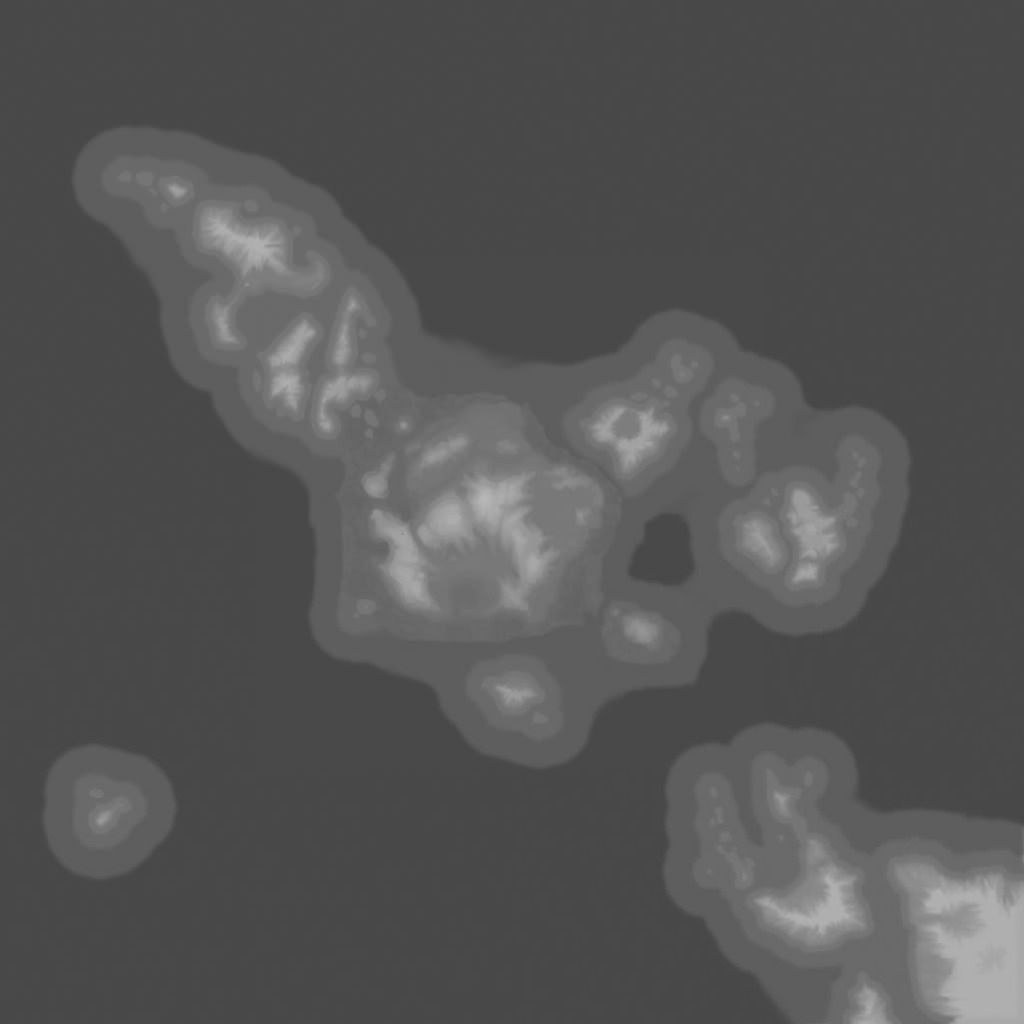
Hey all, so been looking at faster ways of making the terrains I want and thought I'd try the heightmap path, anyway after looking through a few, I found this little freebie:


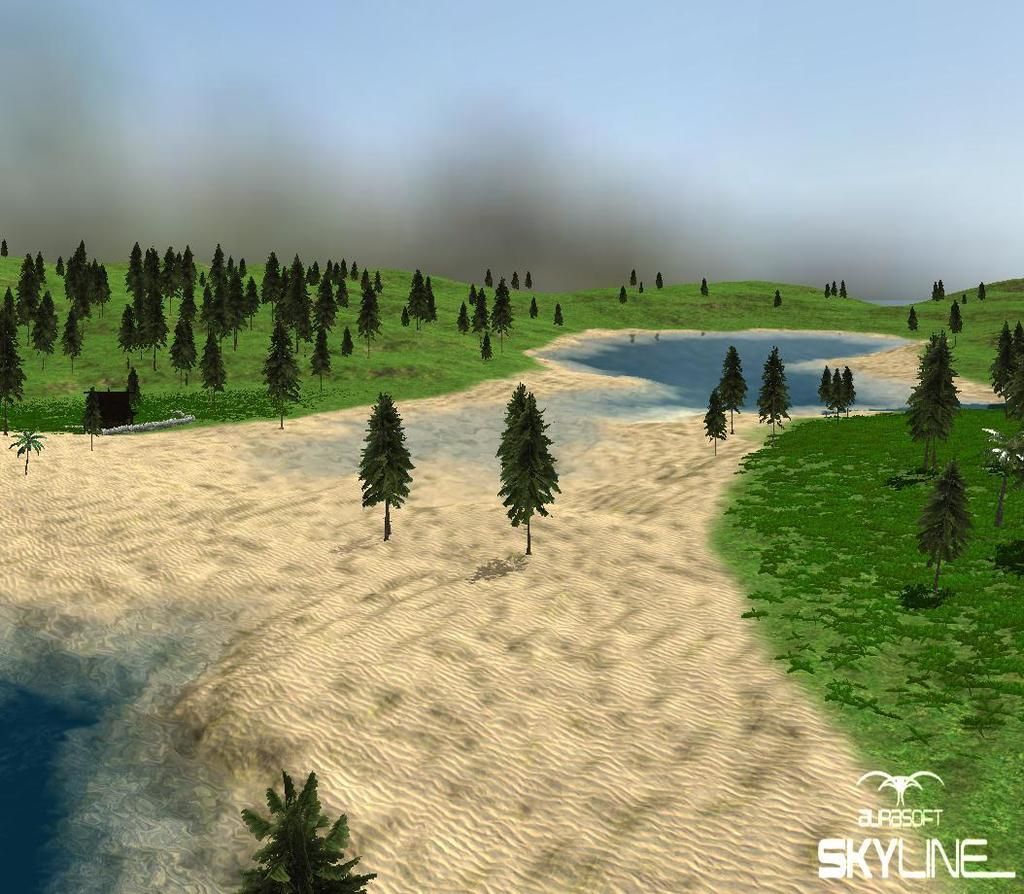
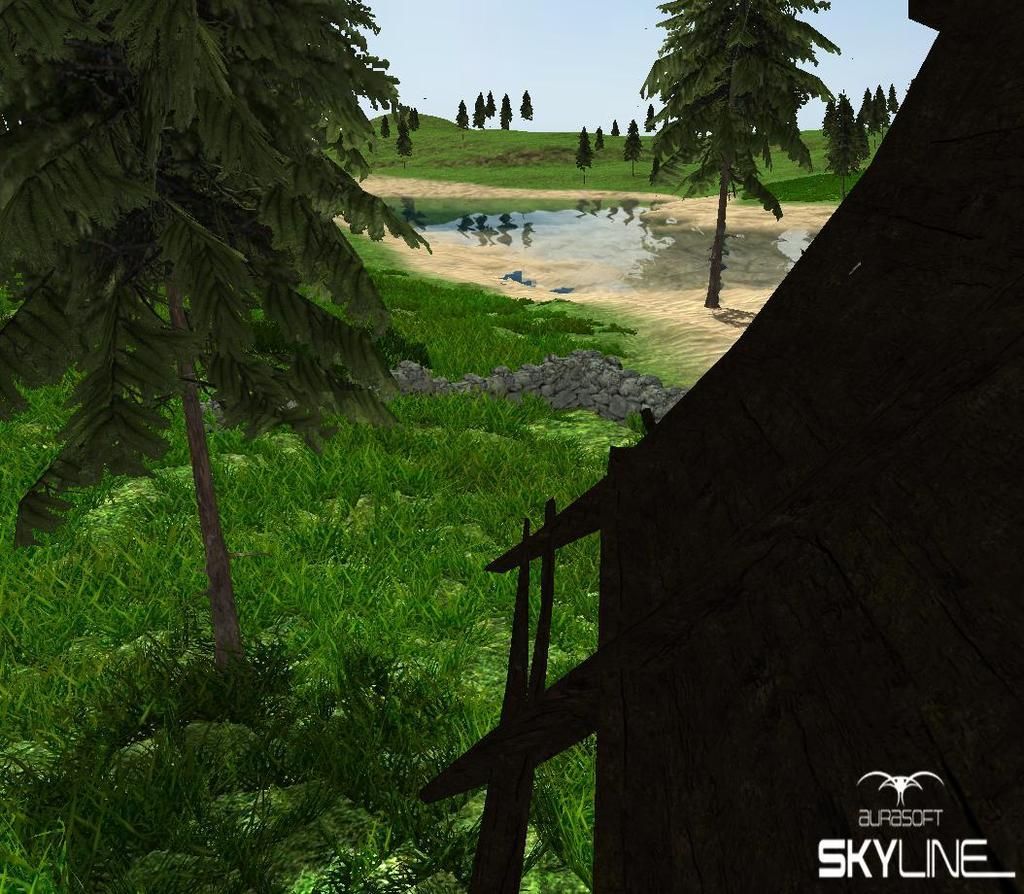
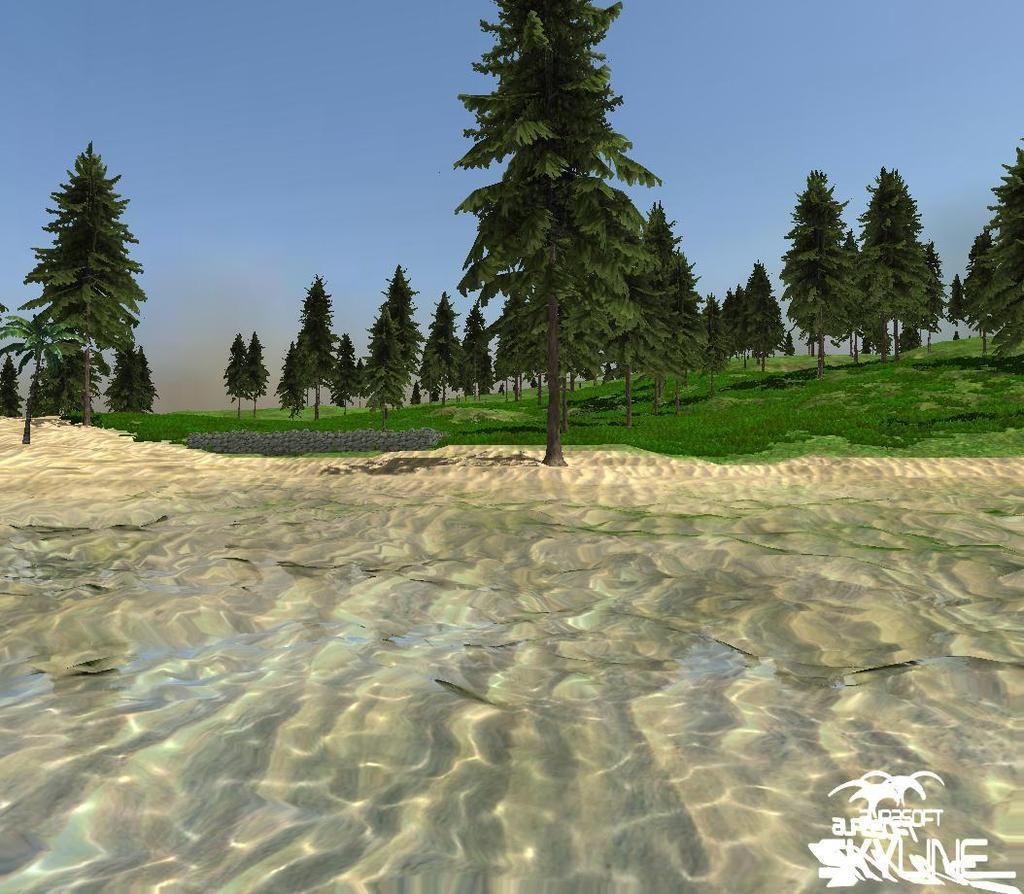
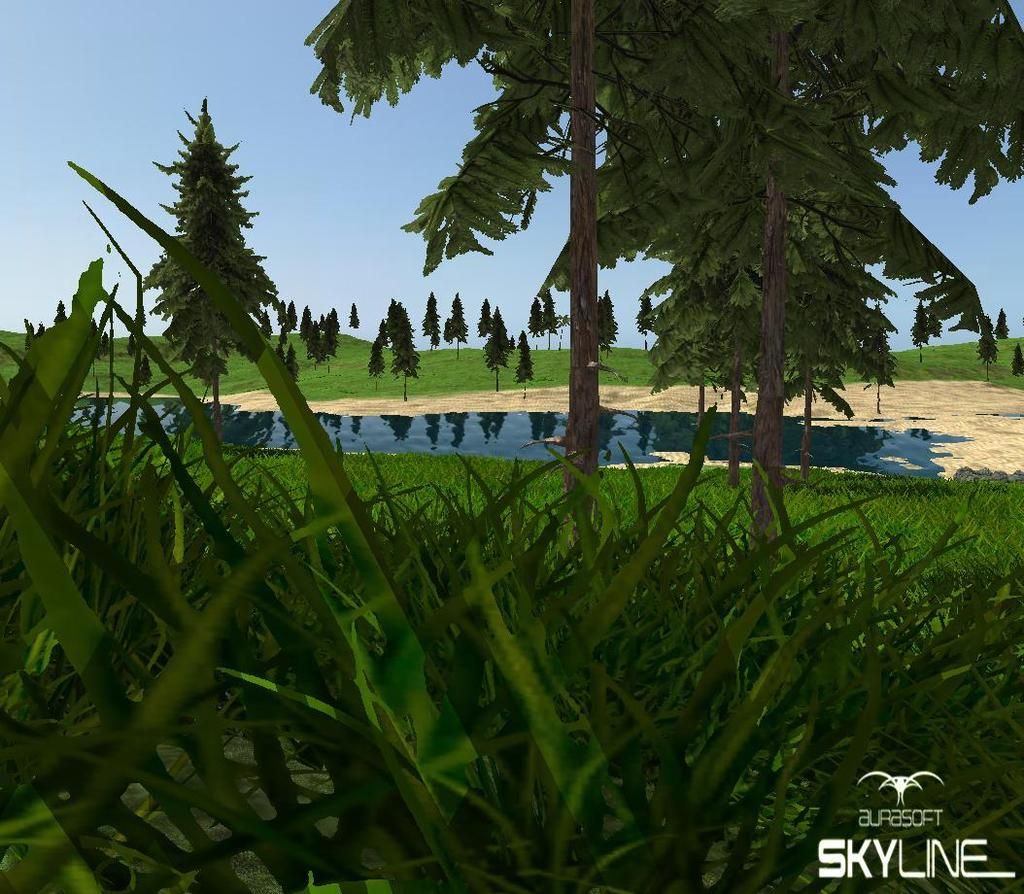
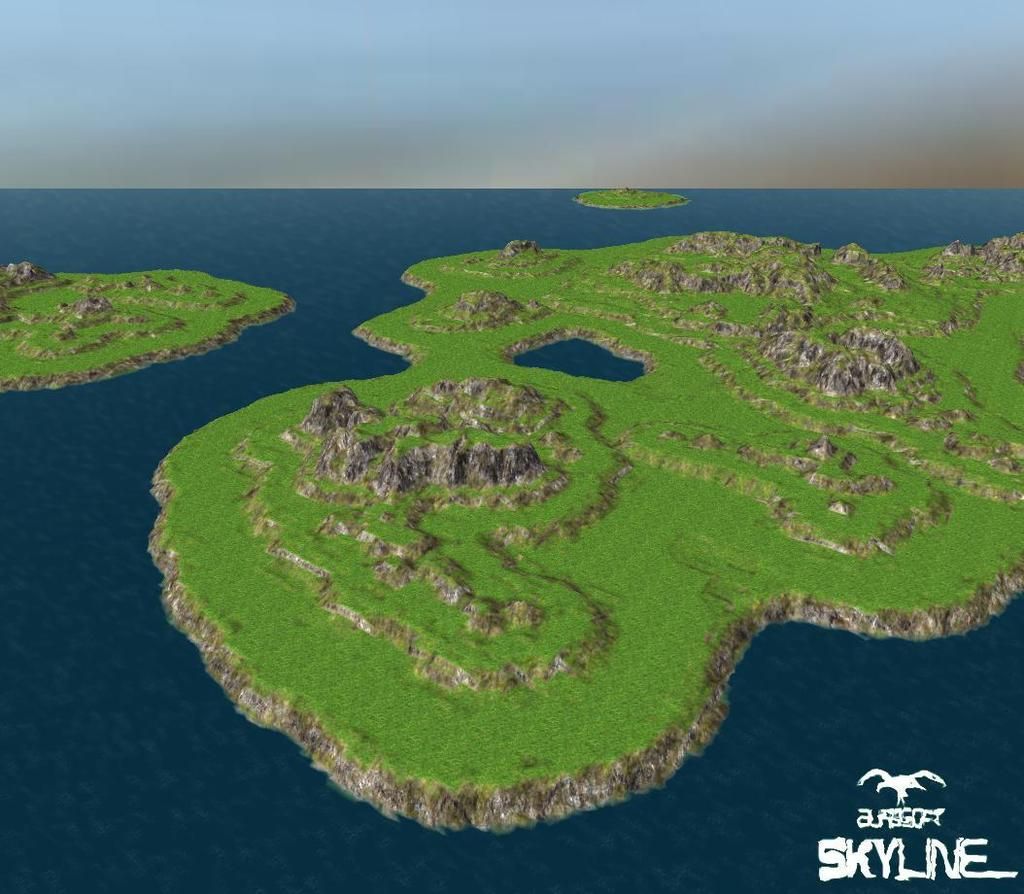
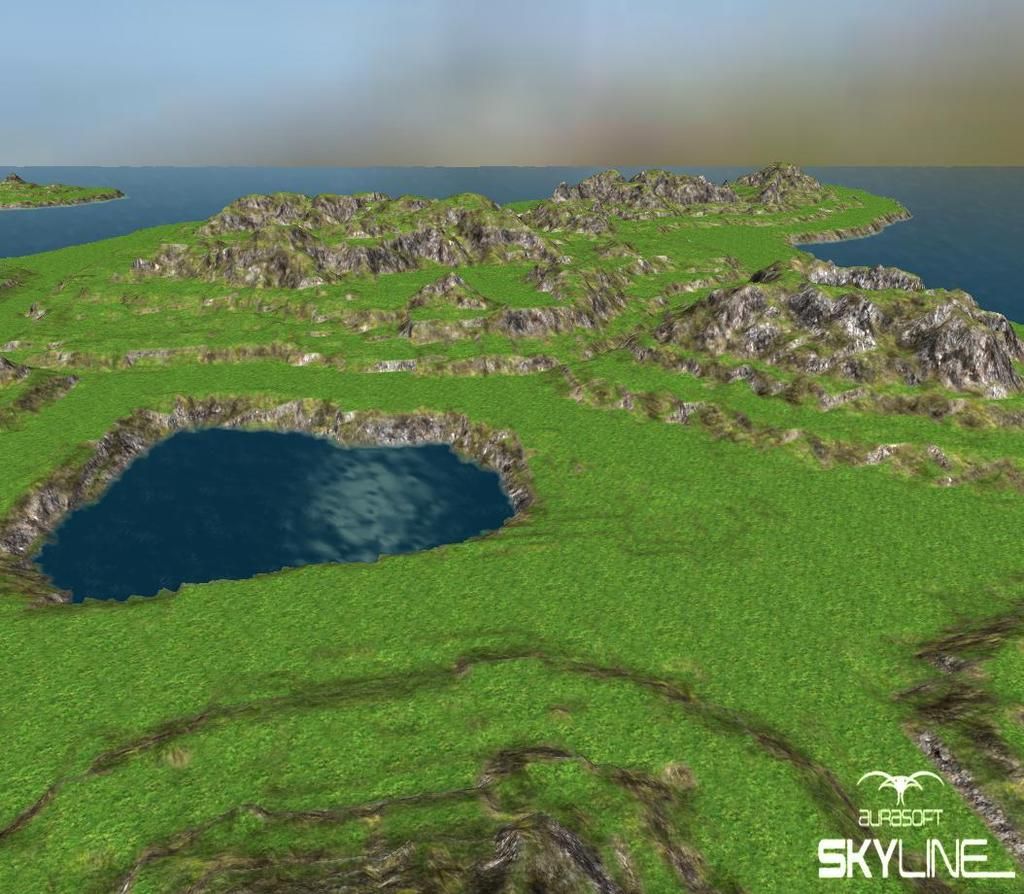
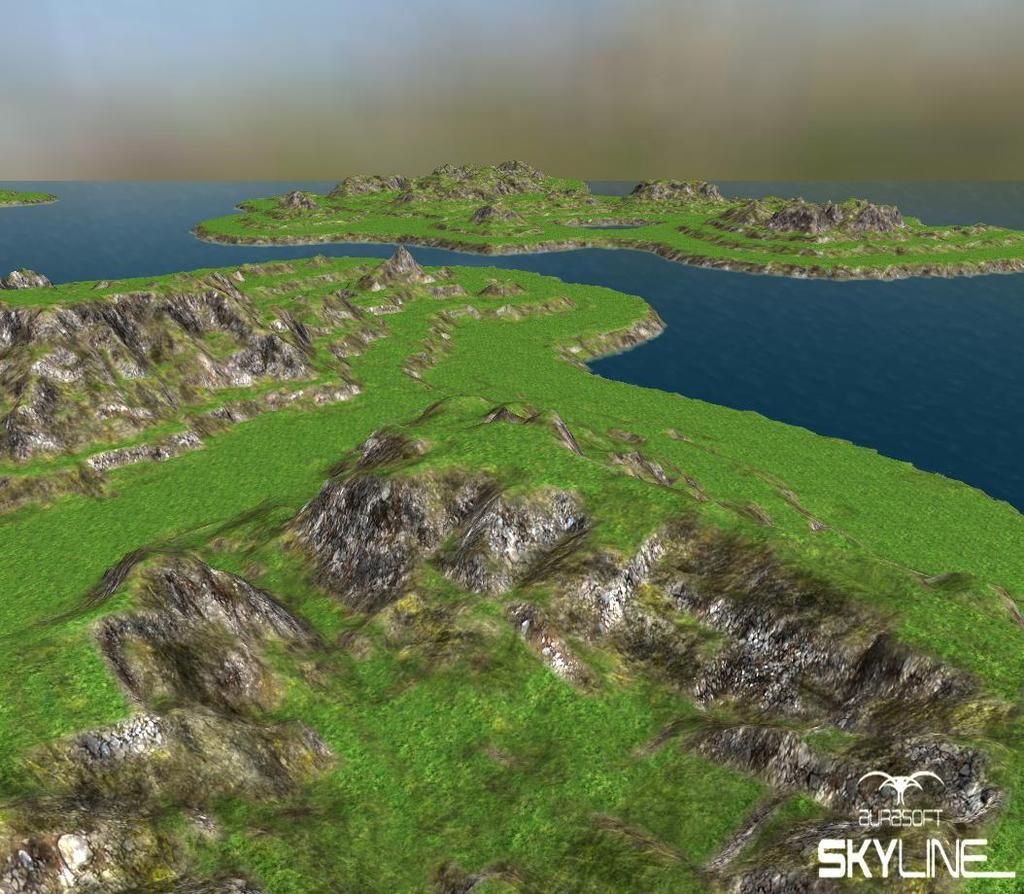
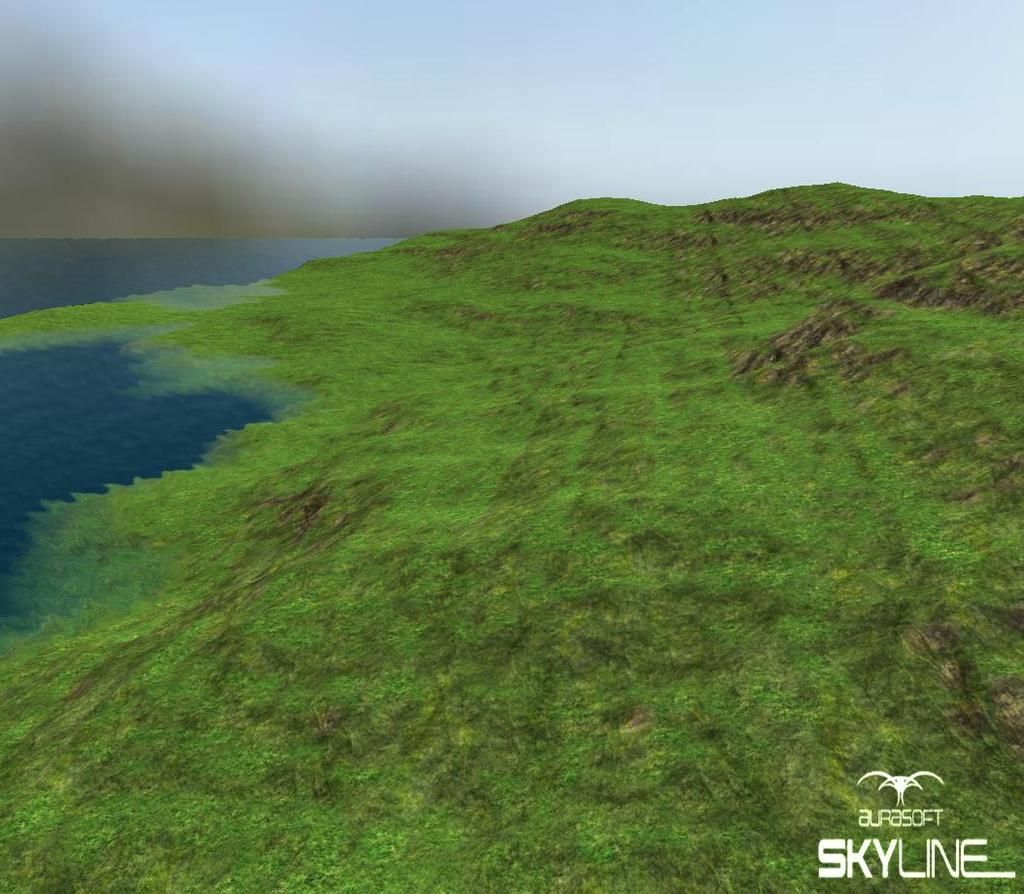
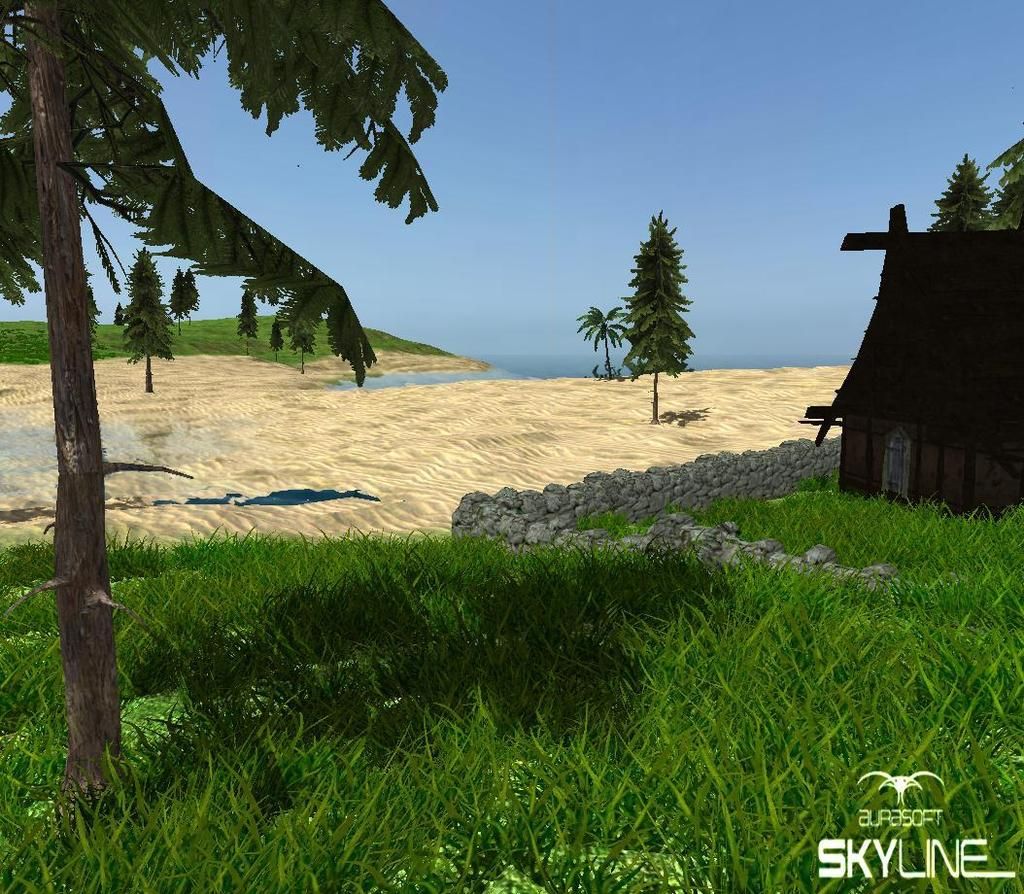
quick play i auto generated a map, put into skyline and little touch ups on the edges to make this little Island:
Image

Image

Image

Image

Image

Image
User avatar
AuShadow
Skyline Ensen
 
Posts: 129
Joined: 17 Feb 2015, 11:18
Skill: Great creative

Re: Free Heightmap editor

Postby SolarPortal » 08 May 2015, 11:44

We used to use L3DT back in the day when we were doing some projecs on dxstudio & torque3d.

It creates some really nice terrains, especially those that can be split into multiple tiles which we have yet to support in our terrain system.


Twitter:
Instagram:
User avatar
SolarPortal
Skyline Founder
Skyline Founder
 
Posts: 3631
Joined: 29 Jul 2012, 15:56
Location: UK
Skill: 3D Modeller
Skill: 2D Artist
Skill: Programmer
Skill: Level Designer

Re: Free Heightmap editor

Postby AuShadow » 09 May 2015, 02:50

Yeah, only thing I found so far but, is you can make a heightmap and in L3DT 3D viewer you have mountain ranges and such but after putting to skyline there's a very low max height in the hills, I need to experiment some more but if I don't find a solution I'll post pics here to show you what I mean
User avatar
AuShadow
Skyline Ensen
 
Posts: 129
Joined: 17 Feb 2015, 11:18
Skill: Great creative

Re: Free Heightmap editor

Postby TattieBoJangle » 09 May 2015, 09:22

you can control the hill height by changing the multiplier in skyline ;) just don't put it to high or the will just be jagged edges.


User avatar
TattieBoJangle
Community Manager
Community Manager
 
Posts: 858
Joined: 26 Jan 2015, 00:15
Location: United Kingdom
Skill: 3D Modeller
Skill: 2D Artist
Skill: Level Designer
Skill: Great creative

Re: Free Heightmap editor

Postby AuShadow » 09 May 2015, 11:25

yeah cheers Tattie, i got around to finish watching your tutorial vid today and played with heightmaps a bit more. can get some good terrains fast
User avatar
AuShadow
Skyline Ensen
 
Posts: 129
Joined: 17 Feb 2015, 11:18
Skill: Great creative

Re: Free Heightmap editor

Postby SolarPortal » 09 May 2015, 13:36

Yes the terrain scale is what you need to adjust.

Basically, because a heightmap is an image of gradient with black being the lowest height and white being the highest, then if you know that your lowest point on the terrain is -50 and your highest on the terrain is 50, then a terrain scale of 100 will give you an accurate height range.

Its just our system works as if 0 height is black and highest scale point is white which can be any number.

Hope this helps :) And thanks tattie for helping out quickly.


Twitter:
Instagram:
User avatar
SolarPortal
Skyline Founder
Skyline Founder
 
Posts: 3631
Joined: 29 Jul 2012, 15:56
Location: UK
Skill: 3D Modeller
Skill: 2D Artist
Skill: Programmer
Skill: Level Designer

Re: Free Heightmap editor

Postby AuShadow » 09 May 2015, 14:36

Some more playing with heightmaps, found this one online and thought i'd try it, loaded in on the standard height multiplier of 75 and looks good:

Image

Image

Image

Image
User avatar
AuShadow
Skyline Ensen
 
Posts: 129
Joined: 17 Feb 2015, 11:18
Skill: Great creative

Re: Free Heightmap editor

Postby StarFire » 09 May 2015, 15:02

Nice height map :D

Did you know that Skyline has many height maps in the library, and you can store your own here too. These you can drag n drop onto a terrain.
Click the "Open AM Heightmaps>open button " located at the bottom of the terrain editor panel and this will open the asset manager on the heightmaps section, then drag a height map to the terrain from here.
Dream the Journey, Live the Experience!
User avatar
StarFire
Skyline Founder
Skyline Founder
 
Posts: 1678
Joined: 03 Jan 2012, 18:50
Location: UK
Skill: Great creative
Skill: Programmer
Skill: 3D Modeller
Skill: 2D Artist
Skill: Level Designer

Re: Free Heightmap editor

Postby TattieBoJangle » 09 May 2015, 15:09

User avatar
TattieBoJangle
Community Manager
Community Manager
 
Posts: 858
Joined: 26 Jan 2015, 00:15
Location: United Kingdom
Skill: 3D Modeller
Skill: 2D Artist
Skill: Level Designer
Skill: Great creative

Re: Free Heightmap editor

Postby SolarPortal » 09 May 2015, 15:11

just tested and it seems to be working fine.
The image must be added to resources and a terrain has to be created already.


Edit: Just saw your image, just wondering if it is an installed issue? Will test and let you know.
Edit2: It is working on my dev version but not working on the installed version. Did not know this was happening lol :P
I will fix it for the next release :)
Edit3: The reason it is broken is because there is no heightmaps folder lol. :shock: :shock: Must have missed it in the first release.


Twitter:
Instagram:
User avatar
SolarPortal
Skyline Founder
Skyline Founder
 
Posts: 3631
Joined: 29 Jul 2012, 15:56
Location: UK
Skill: 3D Modeller
Skill: 2D Artist
Skill: Programmer
Skill: Level Designer

Re: Free Heightmap editor

Postby StarFire » 09 May 2015, 16:11

Dream the Journey, Live the Experience!
User avatar
StarFire
Skyline Founder
Skyline Founder
 
Posts: 1678
Joined: 03 Jan 2012, 18:50
Location: UK
Skill: Great creative
Skill: Programmer
Skill: 3D Modeller
Skill: 2D Artist
Skill: Level Designer

Re: Free Heightmap editor

Postby TattieBoJangle » 09 May 2015, 16:19

Many thanks for the fast reply and fix guys, it now works great :D
User avatar
TattieBoJangle
Community Manager
Community Manager
 
Posts: 858
Joined: 26 Jan 2015, 00:15
Location: United Kingdom
Skill: 3D Modeller
Skill: 2D Artist
Skill: Level Designer
Skill: Great creative

Re: Free Heightmap editor

Postby StarFire » 09 May 2015, 16:22

Pleased it is working :D
Dream the Journey, Live the Experience!
User avatar
StarFire
Skyline Founder
Skyline Founder
 
Posts: 1678
Joined: 03 Jan 2012, 18:50
Location: UK
Skill: Great creative
Skill: Programmer
Skill: 3D Modeller
Skill: 2D Artist
Skill: Level Designer

Re: Free Heightmap editor

Postby StarFire » 09 May 2015, 16:30

Here are some more height maps I found on the net:


just add them to the height maps folder, some of them are quite usable. Dont know about the licensing that is why I have not included them in the main pack ;)
Dream the Journey, Live the Experience!
User avatar
StarFire
Skyline Founder
Skyline Founder
 
Posts: 1678
Joined: 03 Jan 2012, 18:50
Location: UK
Skill: Great creative
Skill: Programmer
Skill: 3D Modeller
Skill: 2D Artist
Skill: Level Designer

Re: Free Heightmap editor

Postby AuShadow » 10 May 2015, 03:25

found the source of the tepers pack and under licensing it has free and open as long as the project its used in is also free and open, with that said, wouldn't be hard to make your own versions of the same kind of height maps if you did want to go commercial
User avatar
AuShadow
Skyline Ensen
 
Posts: 129
Joined: 17 Feb 2015, 11:18
Skill: Great creative

Re: Free Heightmap editor

Postby TattieBoJangle » 10 May 2015, 12:12

I don't believe you will be breaking any rules here as when you have used the height map you can simply remove the image or don't package the image with your game and in turn you'r not breaking any rules as everything belongs to skyline.
User avatar
TattieBoJangle
Community Manager
Community Manager
 
Posts: 858
Joined: 26 Jan 2015, 00:15
Location: United Kingdom
Skill: 3D Modeller
Skill: 2D Artist
Skill: Level Designer
Skill: Great creative

Re: Free Heightmap editor

Postby SolarPortal » 10 May 2015, 12:33

i would tend to agree with that. As long as you don't redistribute the image, then you are no longer breaking the rules.
At most, by using it on the terrain inside skyline and editing the terrain. It might be classed as a derivative of the original work.


Twitter:
Instagram:
User avatar
SolarPortal
Skyline Founder
Skyline Founder
 
Posts: 3631
Joined: 29 Jul 2012, 15:56
Location: UK
Skill: 3D Modeller
Skill: 2D Artist
Skill: Programmer
Skill: Level Designer


Return to Resources

Who is online

Users browsing this forum: No registered users and 4 guests