
 by StarFire » 14 Jan 2013, 10:57


by ant0N » 14 Jan 2013, 11:13


by dbest » 14 Jan 2013, 12:00
by StarFire » 14 Jan 2013, 12:13
by dbest » 14 Jan 2013, 16:31
by iamcheeseontoast » 14 Jan 2013, 23:25

by ucm » 15 Jan 2013, 00:49


by dbest » 15 Jan 2013, 04:59
by iamcheeseontoast » 15 Jan 2013, 17:05
by dbest » 15 Jan 2013, 17:54
by SolarPortal » 15 Jan 2013, 20:34

by dbest » 16 Jan 2013, 04:49
by StarFire » 16 Jan 2013, 09:49
by SolarPortal » 16 Jan 2013, 12:26
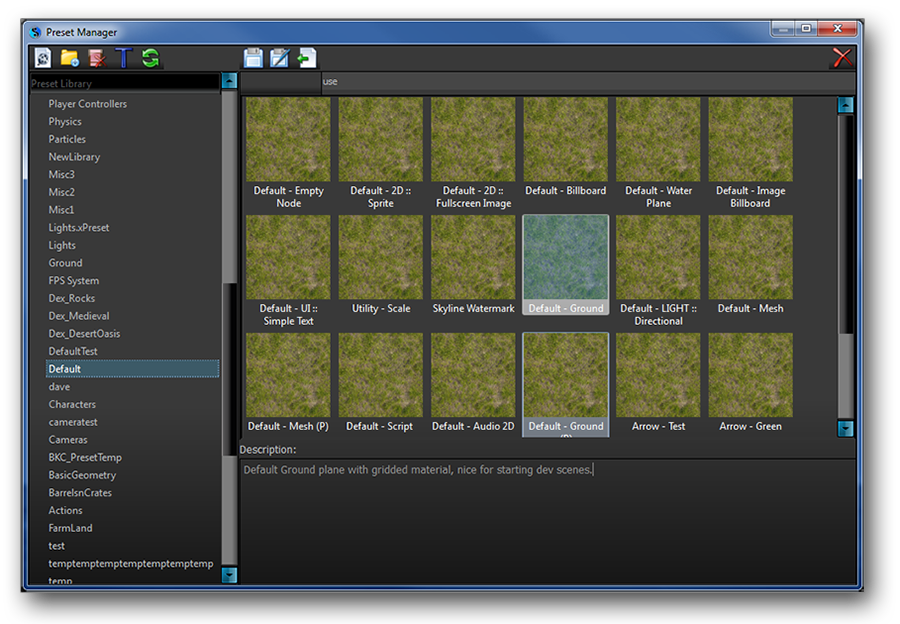
by iamcheeseontoast » 17 Jan 2013, 19:18
by SolarPortal » 17 Jan 2013, 21:21
by iamcheeseontoast » 17 Jan 2013, 21:42
Users browsing this forum: Bing [Bot] and 2 guests